Lab 5 Instructions
Lab 5 Instructions
- Read Firestore Introduction.pdf for introduction of Firestore
- Fork and clone this repository and open the
/ListyCityfolder in Android Studio. - Follow instructions on Lab 5 Firestore Integration Instructions.pdf along with the TA.
- Complete the lab participation exercise
Lab 5 Participation Exercise
Proper completion of this exercise is considered as part of course participation.
In this exercise it is your task to add the ability to delete Cities and integrate this functionality with the Firestore database, allowing for the persistence of deletions.
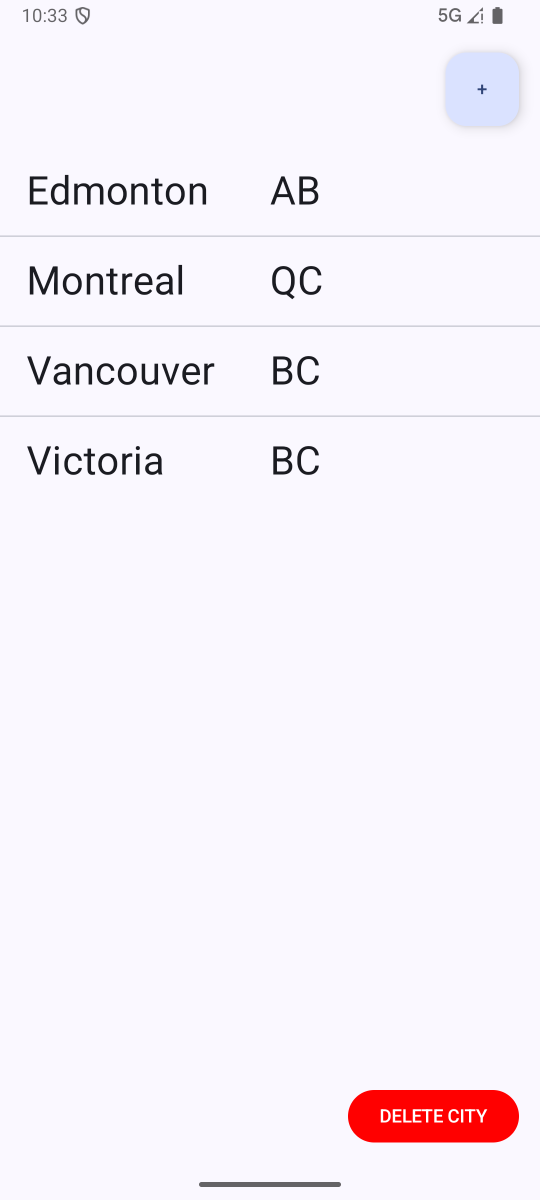
After applying the changes in the lab demo, add the ability to delete cities from the ListView and apply these same deletions to your instance of the Firestore database. If you have implemented this functionality correctly, restarting your app should not have an impact on what cities are displayed in your ListView after any addition or deletion actions.
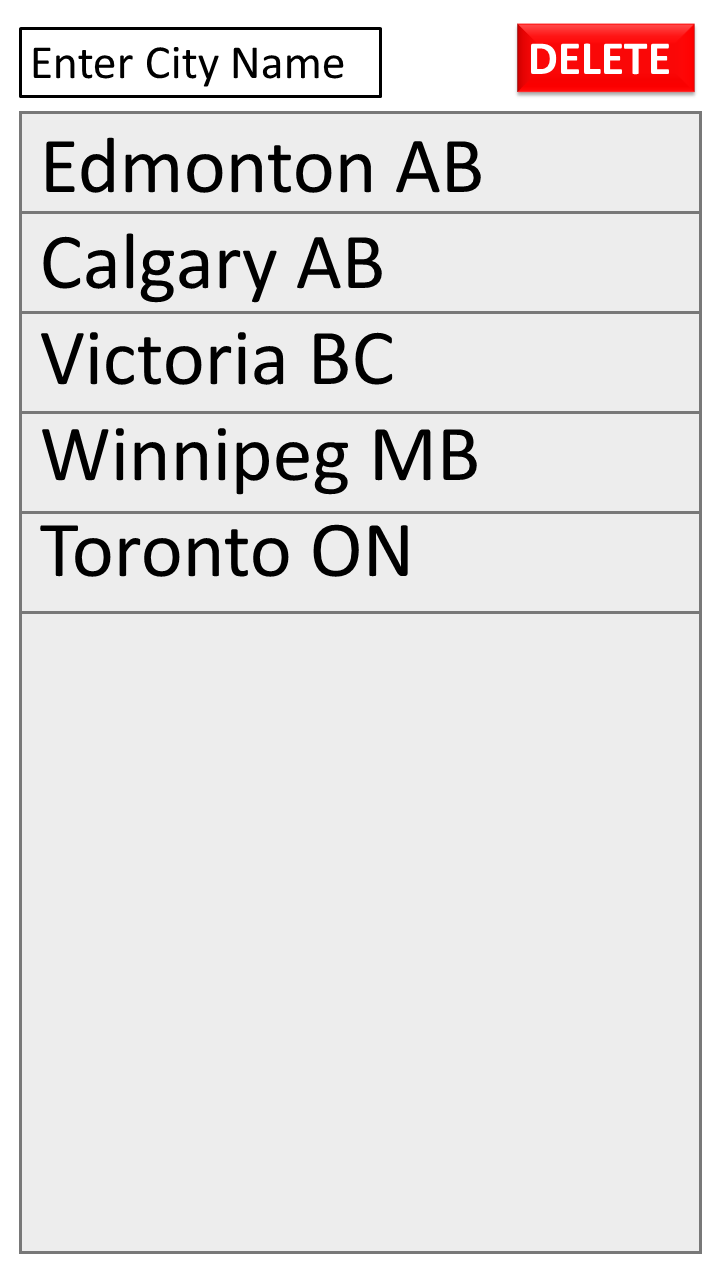
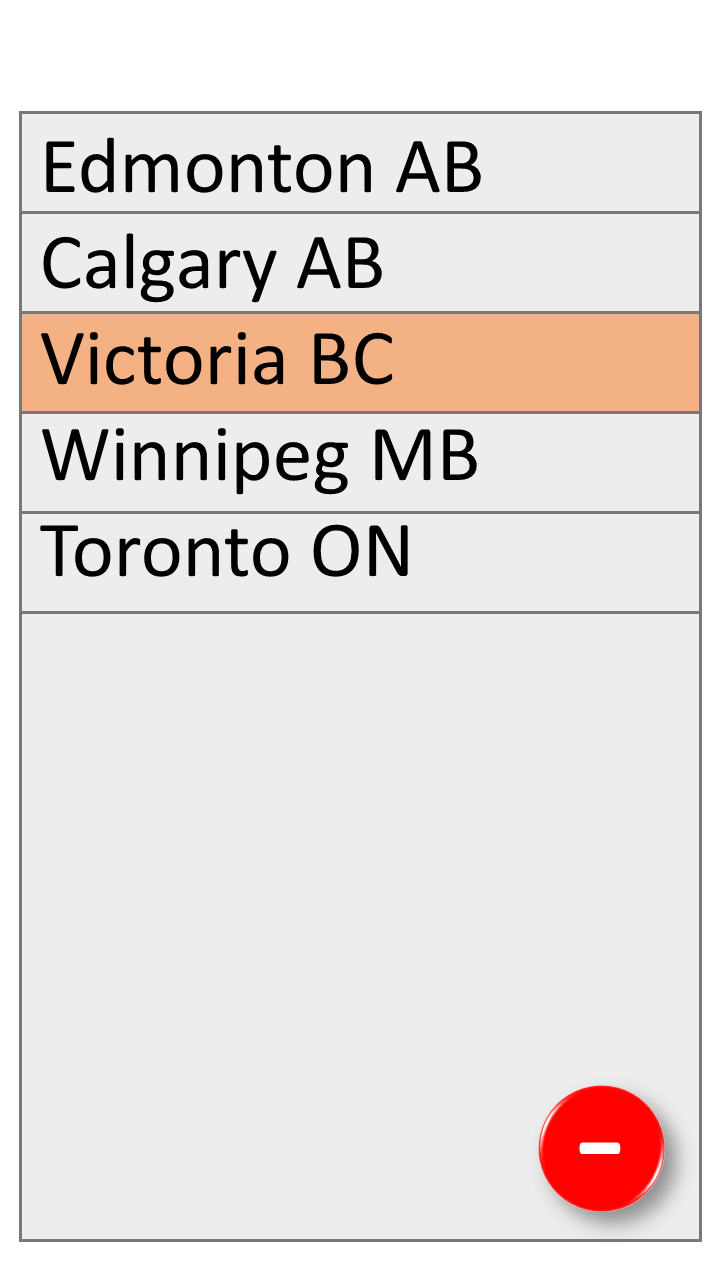
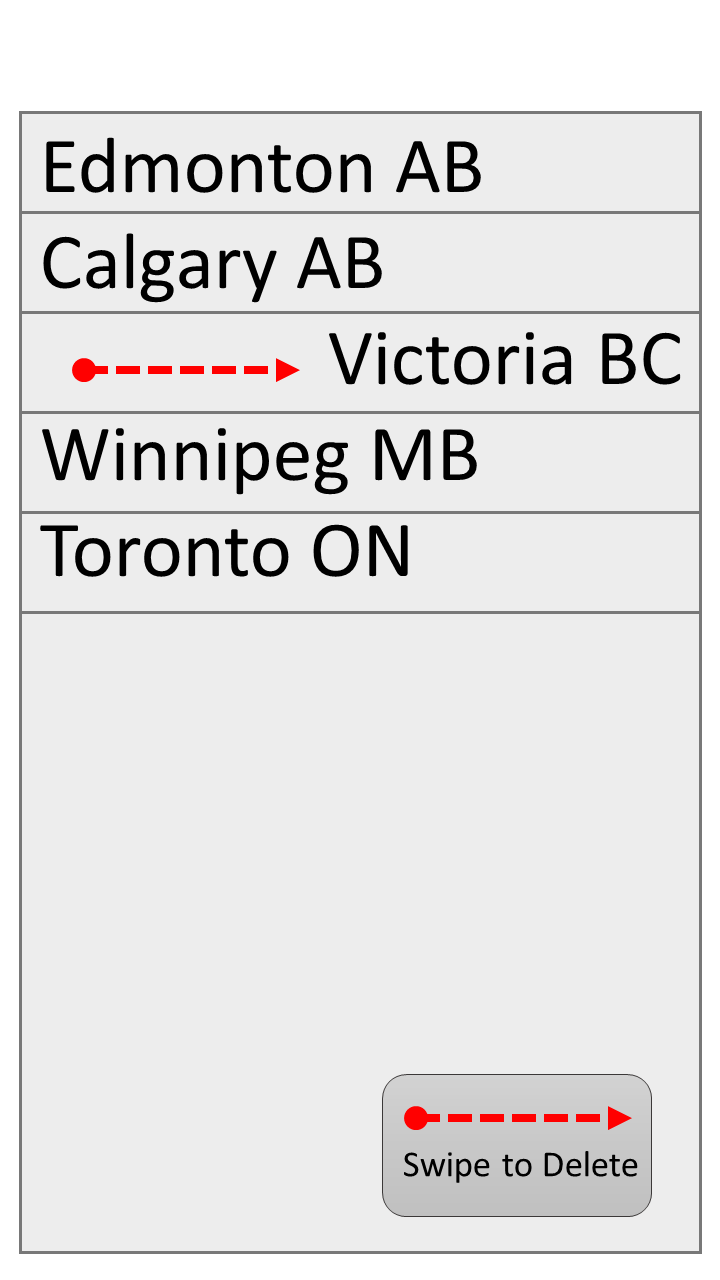
Note: the design of the deletion functionality is up to you, however, we have uploaded a few mockups to give you some ideas.
Submission
- Fork and then clone this repository
- Make sure your forked repository is public
- Hint: Use
git clone
- Add your Android Studio Project changes to your forked repository
- Hint: Use
git add,git commit, andgit push
- Hint: Use
- Update the
README.mdfile with your details and references/collaborators - Update the
LICENSE.mdfile with your full name - Submit the link to your GitHub repository on Canvas
Due Date
Friday after the Thursday lab at 5 PM